Shadow Fight 2 MOD Menu: Features, Risks and Safe Options
Shadow Fight 2 MOD Menu is a modified version of the original fighting game. It can give you unlimited coins, gems, energy, unlocked weapons, and easy battles.
These features may sound fun, especially when you cannot beat a hard boss. But a MOD version is not made or supported by Nekki, the official developer of the game.
It may also cause safety problems, game crashes, update issues, or lost your game progress. In this guide, you will learn what a Shadow Fight MOD Menu is, what features it may have, what risks it can bring, and what safe options you can use.
Important: This guide is only for information. We do not say that unofficial MOD files are fully safe or supported by the game developer.
What Is Shadow Fight 2?
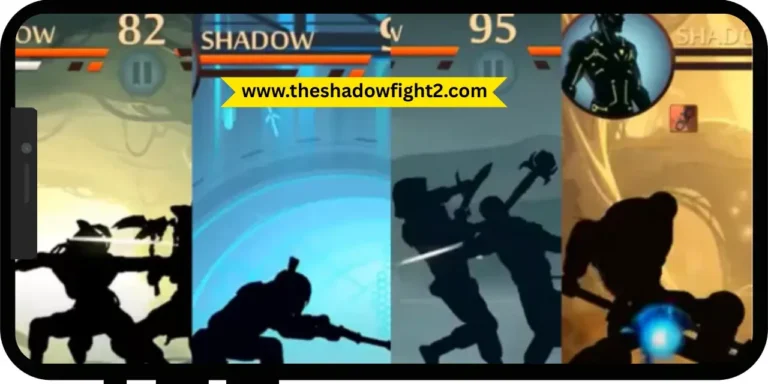
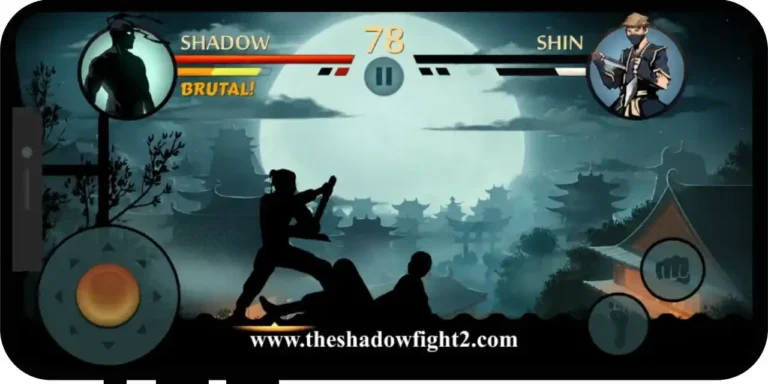
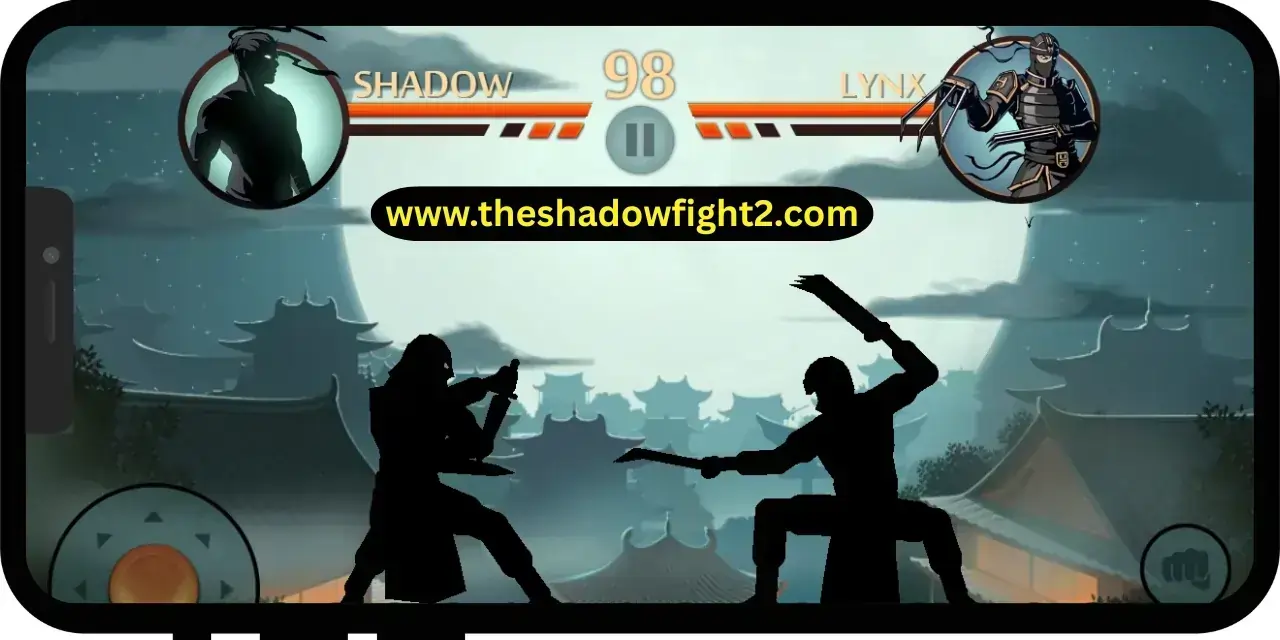
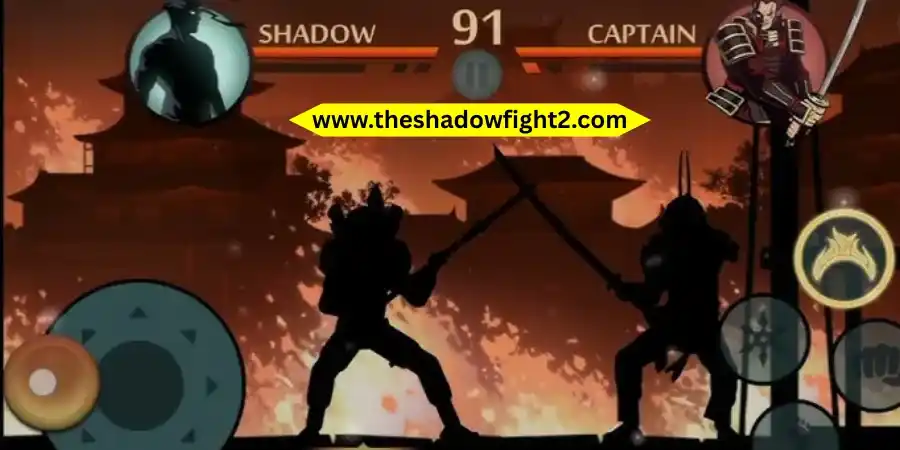
Shadow Fight 2 is a mobile fighting game with role-playing features. You play as a shadow fighter. Your goal is to beat strong enemies and powerful demon bosses.
During the game, you can:
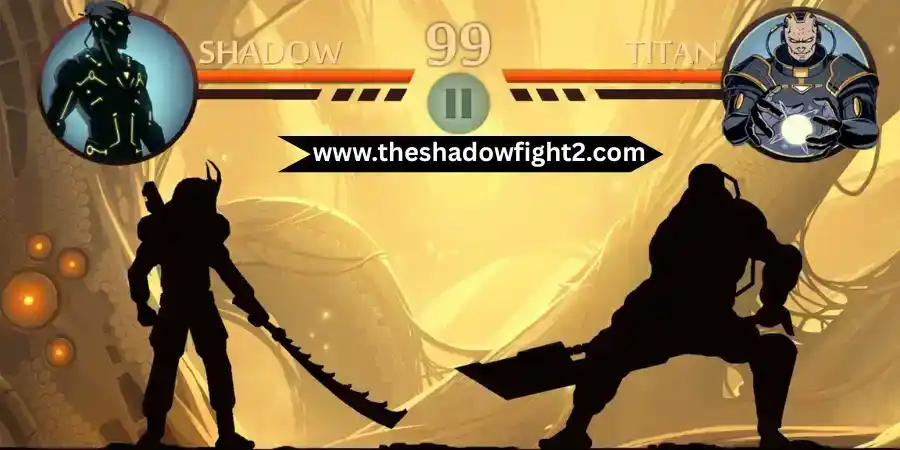
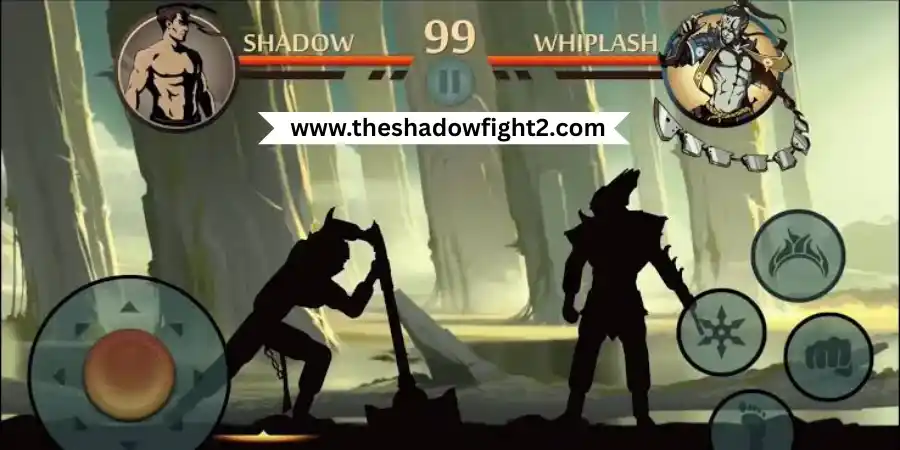
The game has smooth martial arts moves and many weapons, such as swords, nunchaku, and throwing weapons. Players can also enter the Underworld and fight strong bosses with other players.
What Is the Shadow Fight 2 MOD Menu?
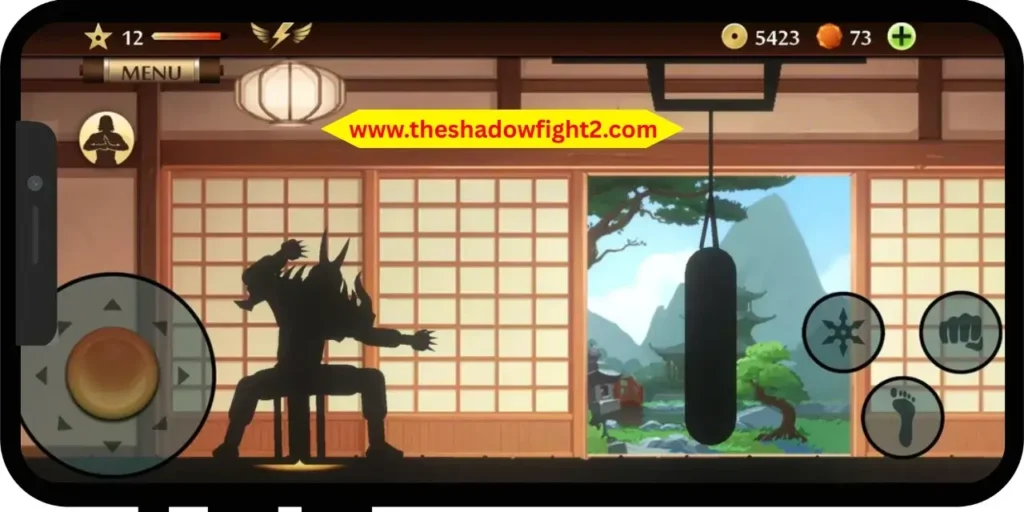
A Shadow Fight Menu is an unofficial version of the original Android game. It may show a small button or menu on the screen. Players can use this menu to turn special features on or off.
For example, a player may turn on unlimited coins or higher attack damage.
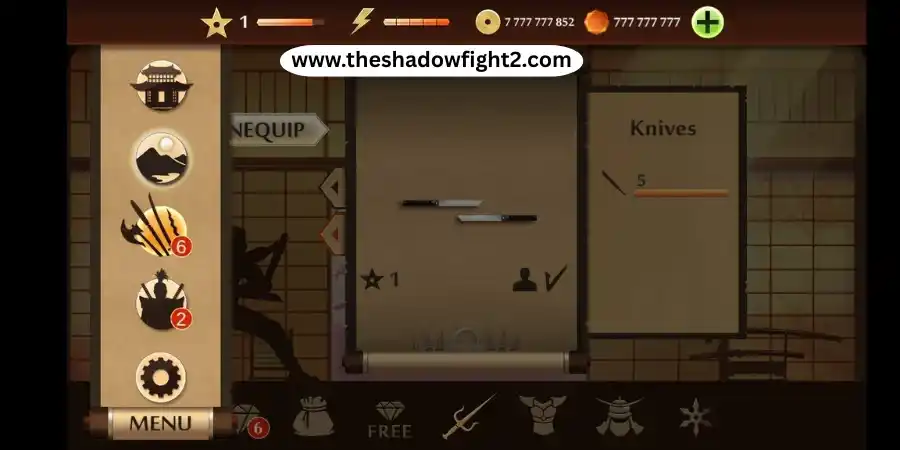
Each MOD version can be different. One file may have unlimited energy, while another may only unlock weapons. There is no promise that every feature will work on every phone or Android version.
Shadow Fight 2 MOD Menu Information
| Detail | Information |
| Game name | Shadow Fight 2 |
| Developer | NEKKI |
| Game type | Fighting and RPG |
| MOD type | Unofficial changed game |
| Common features | Unlimited coins, gems, energy, and weapons |
| Main platform | Usually Android |
| Official support | Not available |
| Updates | May be late or unavailable |
| Safety | Cannot be fully confirmed |
Common Features Claimed by MOD Versions
Many MOD websites claim to offer unlimited money, gems, energy, weapons, and fewer ads.
The features can change from one file to another.
Unlimited Coins
Coins help you buy and upgrade weapons, helmets, and armor. Some MOD versions give players a very large number of coins. This may let you buy equipment without playing many battles.
Unlimited Gems
Gems are an important currency in Shadow Fight 2. You can use gems to buy special weapons and other premium items.
Some MOD versions claim to give unlimited gems. However, these gems may not work with online features.
Unlimited Energy
Energy controls how many battles you can play. When your energy runs out, you normally have to wait.
An unlimited energy feature may remove this waiting time. You may be able to keep fighting without stopping.
No Advertisements
Some changed versions claim to remove ads from the game. Players who want a safe and official ad-free version can try Shadow Fight 2 Special Edition.
Increased Damage
Some MOD Menus have a damage boost or one-hit attack option. This can help you beat enemies quickly. However, it can also remove the challenge from the game.
Adjustable MOD Options
Some MOD Menus let players control each feature.
Possible options may include:
These options are not part of the official game.
Unlocked Weapons and Armor
Shadow Fight 2 has many weapons, helmets, and armor sets. Some MOD versions may unlock all equipment at the start of the game.
This can be fun, but it may also make the game less exciting because you do not have to earn new items.
Shadow Fight 2 Official Version vs MOD Menu
| Feature | Official Version | MOD Menu Version |
| Developer support | Yes | No |
| Safe store download | Yes | Not always |
| Automatic updates | Yes | May not work |
| Unlimited coins | No | Included |
| Unlimited gems | No | Included |
| Saved progress | More stable | May be lost |
| Online features | Supported | May not work |
| Ads | May appear | May be removed |
| Normal game progress | Yes | Often changed |
Is Shadow Fight 2 MOD Menu Safe?
A MOD file should not be called fully safe without strong proof.
MOD files are downloaded from third-party websites. They are not checked or supported by the official game developer.
A changed APK file is also different from the original file released by Nekki. This means the file may contain unknown changes.
Possible risks include:
Malware or Harmful Files
An unknown person can add harmful code to a MOD file.
The file may contain:
- Malware
- Tracking tools
- Pop-up ads
- Hidden apps
- Unwanted files
Most players cannot check everything inside an APK file.
Unneeded App Permissions
A fighting game should not ask for access to private phone data.
Be careful if the game asks for access to:
- Contacts
- Text messages
- Call history
- Microphone
- Camera
- Phone settings
Do not allow permissions that are not needed for the game.
Compatibility Problems
An old MOD version may not work with a new Android update.
It may:
- Crash
- Freeze
- Show a black screen
- Stop during loading
- Close without warning
Lost Game Progress
A MOD version may use a different app signature. This can stop the game from connecting with your old save file. Your progress may also reset when you move back to the official game.
No Developer Support
Nekki does not control unofficial MOD versions. The official support team may not help you fix problems caused by a changed game file.
What to Do If You Already Installed an Unsafe MOD?
Remove the app if your phone starts showing strange problems.
Warning signs may include:
After removing the app:
Do not install the same unknown APK again.
Why Players Search for a Shadow Fight 2 MOD Menu?
Most players search for a MOD Menu because they want to make the game easier.
Common reasons include:
A good guide should help players solve these problems without hiding the risks.
Better Ways to Progress Without a MOD
You can improve in Shadow Fight 2 without using unlimited coins or gems.
Upgrade One Equipment Set
Do not spend coins on every weapon.
Choose one good weapon, armor set, and helmet. Upgrade them before fighting a strong boss.
This can help you save coins.
Learn the Enemy’s Movement
Most enemies repeat the same moves.
At the start of a fight, watch how the enemy attacks.
Move back, block, and wait for the right time to hit.
Use Kicks at Close Range
Some weapons are slow when the enemy is very close.
Use quick kicks or throws to push the enemy away.
You can then use your weapon again.
Do Not Attack All the Time
Pressing attack buttons again and again may make you easier to hit.
Use short attacks, move back, and wait for another chance.
Replay Easier Battles
You can replay old battles to earn coins and practise your moves.
This can help you get ready for harder enemies.
Try Different Weapons
A slow weapon may not work well against a fast fighter.
Try a smaller and faster weapon before spending coins on more upgrades.
Official Alternatives to a MOD Menu
Shadow Fight 2 Free Version
The official free version is available on trusted mobile app stores.
It includes:
This version gets official support and updates.
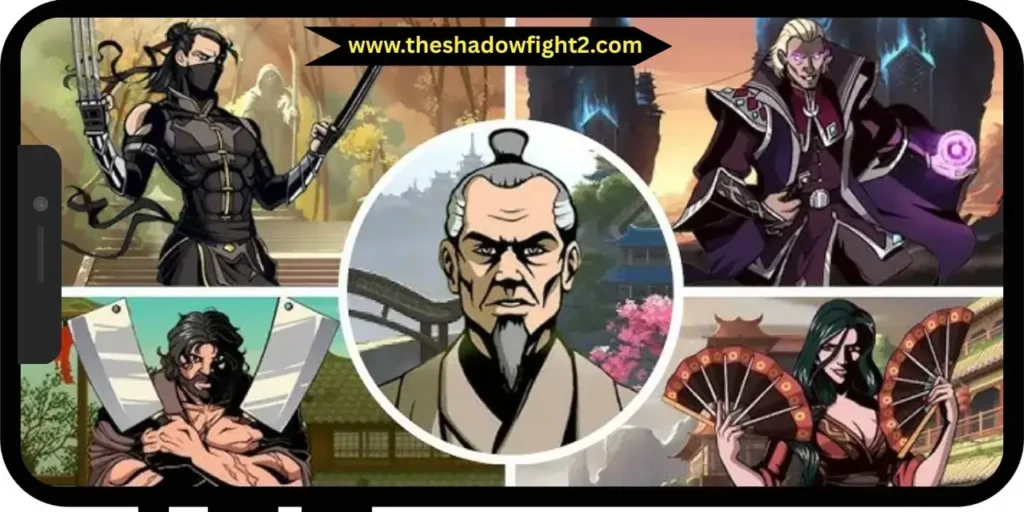
Other Shadow Fight Games
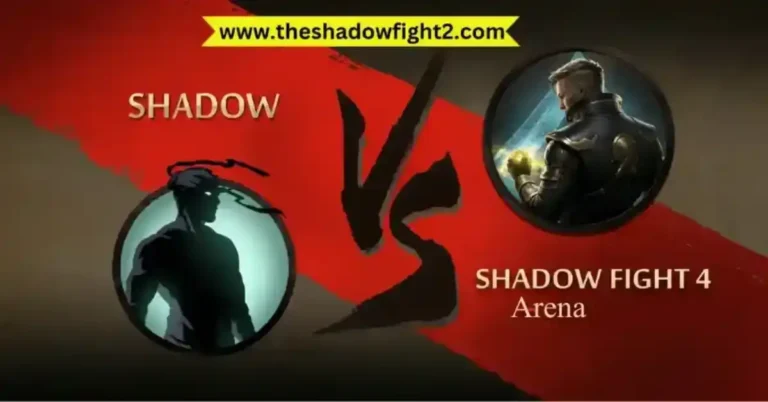
You can also try other official games from the Shadow Fight series.
These include:
Each game has a different story, fighting style, and design.
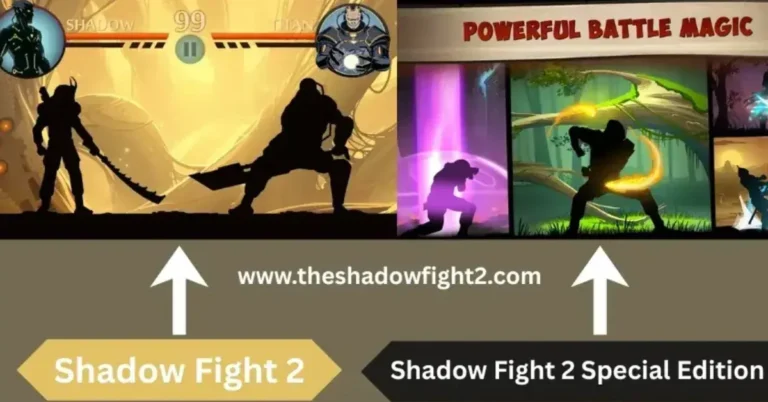
Shadow Fight 2 Special Edition
Shadow Fight 2 Special Edition is a paid official version.
It offers an ad-free game experience and extra story content.
This can be a better option for players who mainly want to remove ads.
Common Shadow Fight 2 MOD Problems
Why Is the MOD Menu Not Appearing?
The Shadow Fight 2 menu may not appear because the file is old or does not support your game version. It may also be a fake MOD file.
Do not download many unknown files while trying to fix it. The safest choice is to use the official version.
Why Does the Game Show a Black Screen?
A black screen may happen because:
Remove the unofficial app and install the official version.
Why Is the APK Not Installing?
The APK may not install because:
Back up your official game data before removing the original app.
Why Did My Progress Disappear?
The MOD and official versions may store saved data in different ways. Your cloud save may also fail to connect with the changed version. This can cause your progress to disappear.
Why Does the MOD Stop Working After an Update?
A MOD is often made for one game version. When the official game is updated, the old MOD may stop working. You may then see crashes, errors, or missing features.
Frequently Asked Questions
Final Verdict
The Shadow Fight 2 MOD Menu may offer unlimited coins, gems, energy, weapons, and easy fights. These features may save time, but they can also cause safety problems, game crashes, update errors, and lost progress.
The official Shadow Fight 2 game is the safer choice. Players who want a version without ads can try the official Shadow Fight 2 Special Edition.
Do not trust claims like “100% safe,” “virus-free,” or “anti-ban” without clear proof.